Explore reports and export results
Understand aging, collections, recovery and follow-up outcomes.
Open Reports in the selected workspace. Reporting access is required; each report also needs access to the records it uses. Assigned-customer restrictions still apply.
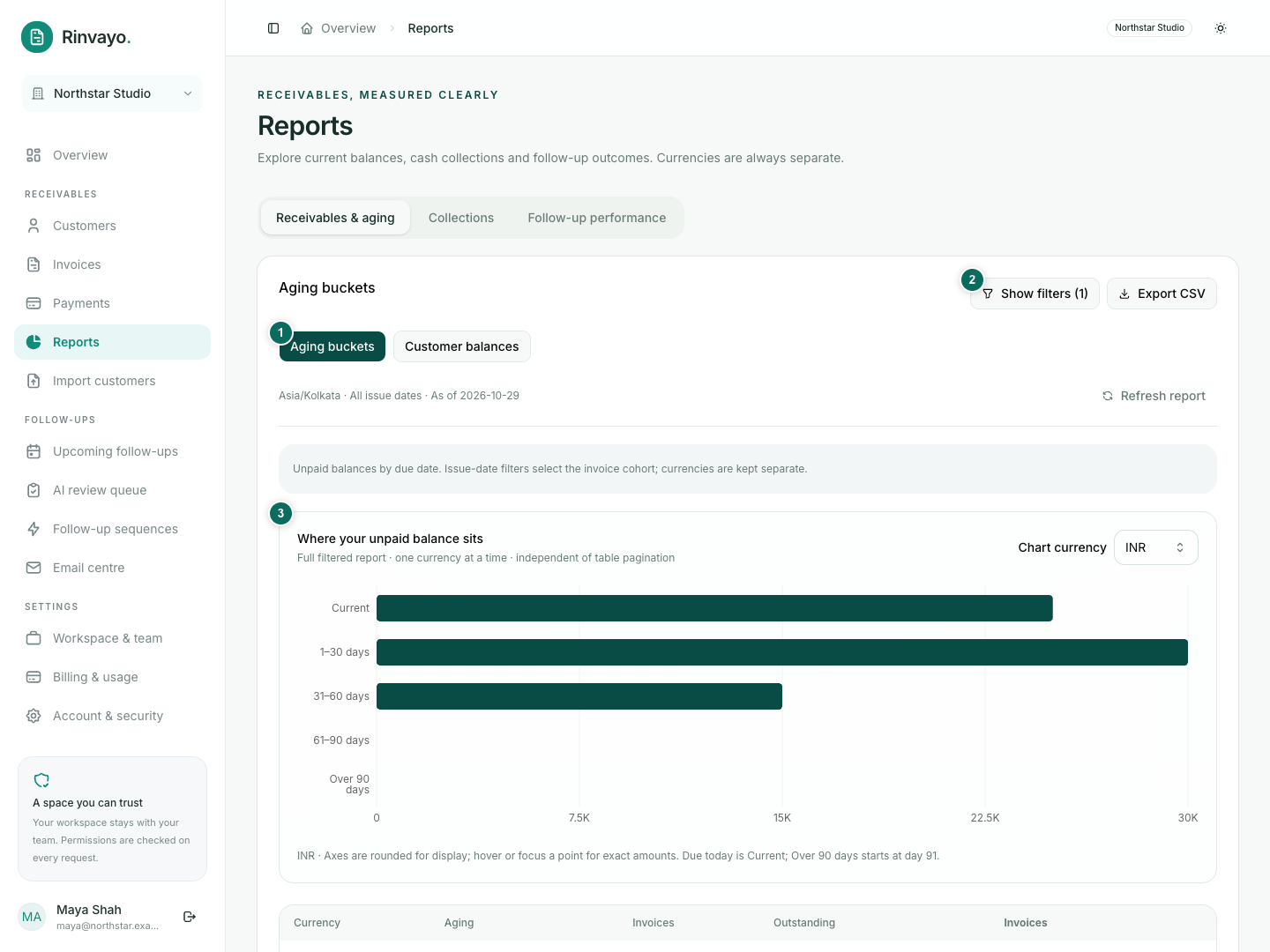
Choose the right view
| Report | Answers |
|---|---|
| Aging buckets | How much is unpaid, and how old is it? |
| Customer balances | Which customers have outstanding invoices? |
| Cash collections | What verified funds were recorded, net of reversals? |
| Invoice cohort recovery | How much of a selected group of invoices has been recovered? |
| Follow-up performance | What happened to follow-up attempts and actions? |
Overdue is derived from the due date and unpaid balance. Charts support comparison; the table preserves exact amounts. Never add different currencies together as one total.
Filter and investigate
- Choose a section and report.
- Open the filters and select applicable dates, currency, customer or assigned teammate.
- Apply filters. Read the report's date basis and workspace timezone: date filters do not mean the same thing in every report.
- In aging or customer balances, use the invoice link to inspect the matching records.
A collections report is not a direct bank feed. Its accuracy depends on recorded, verified payments and corrections. Follow-up outcomes do not prove that an email caused a payment.
Export
Use Export CSV for the selected report and filters. It is not restricted to the visible page of results; narrow the filters if more than 10,000 rows match. Store exported customer data appropriately.
Use Refresh after recent changes. If a view is missing, check workspace permissions before changing filters.