Plans, trials and billing
Check your workspace plan, manage billing details and choose a subscription.
Open Billing & usage in the selected workspace. Billing is workspace-wide, not a separate allowance for each teammate. If billing is disabled for your installation, these allowances are not enforced.
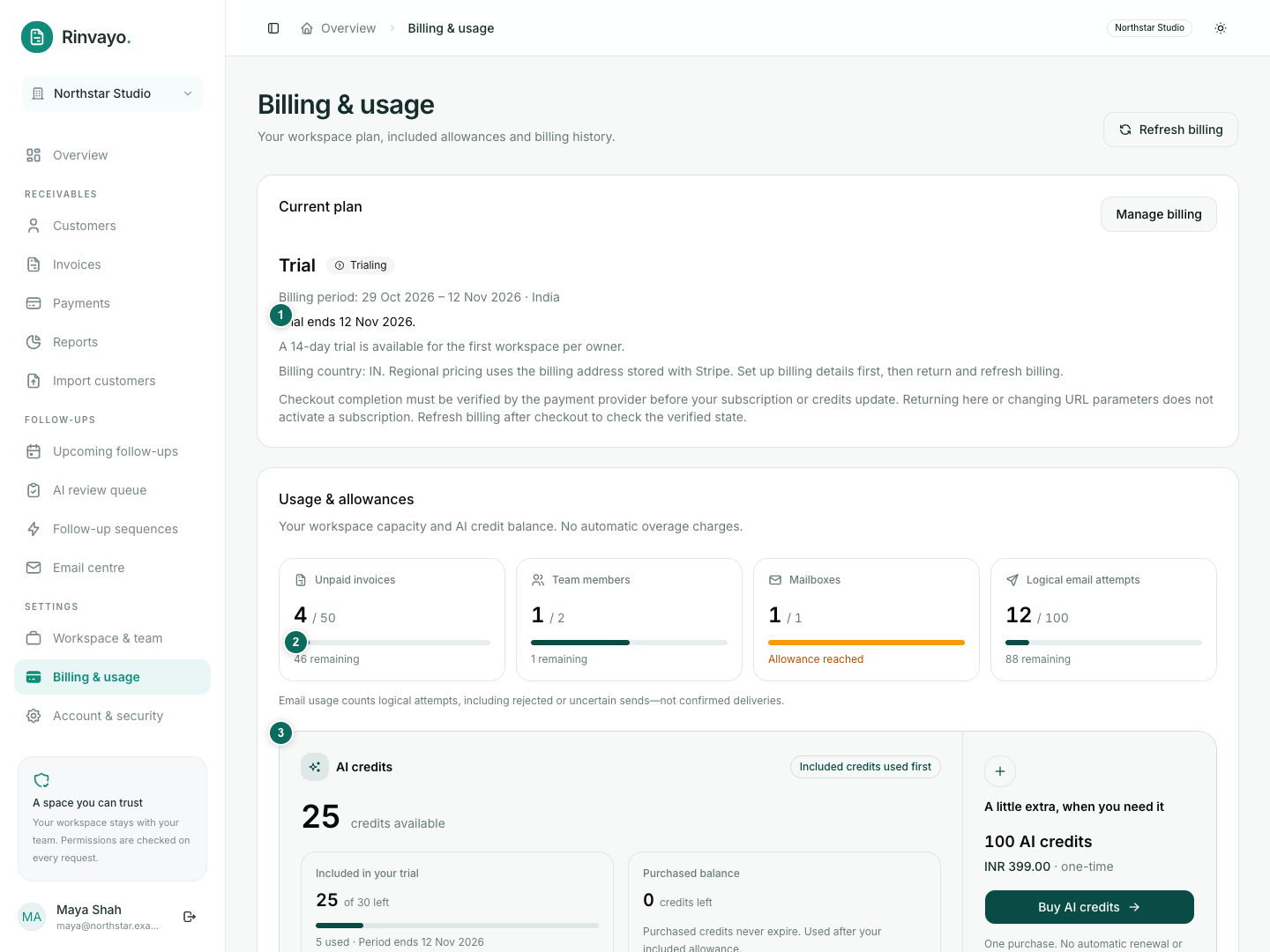
Trial and Free
Eligible verified owners receive one 14-day trial, without a card or automatic trial-to-paid charge. Another workspace or ownership change does not restart that trial. On expiry, unpaid workspaces fall back to Free.
The trial includes 50 unpaid invoices, 2 team seats, 1 mailbox, 50 active/paused sequences, 100 email attempts and 30 AI credits. Trial email and AI allowances are totals for the trial, not daily grants.
Choose a paid plan
Only the current workspace owner can purchase or manage billing.
- Select Set up billing details and complete your billing address in Stripe.
- Return and select Refresh billing.
- Choose an available plan and review the currency, taxes, renewal and total in checkout.
- After returning, refresh billing and check the verified plan state.
Indian billing addresses use INR; international addresses use USD. The billing address held by Stripe determines the region. Checkout return messages alone do not activate a plan.
Manage a subscription
Use Manage billing for payment methods, supported plan changes, invoices and cancellation. Check the cancellation effective date. Cancelling billing does not delete your records or close the account.
A failed renewal can receive a three-day grace period before Free limits apply. Records remain accessible after a downgrade; adding resources above the new allowance is blocked.
Promotion codes are entered in eligible subscription checkout. They do not change plan allowances and do not apply to AI packs. Refund or dispute questions need support review.