When a plan limit is reached
Understand disabled actions and how to make capacity available again.
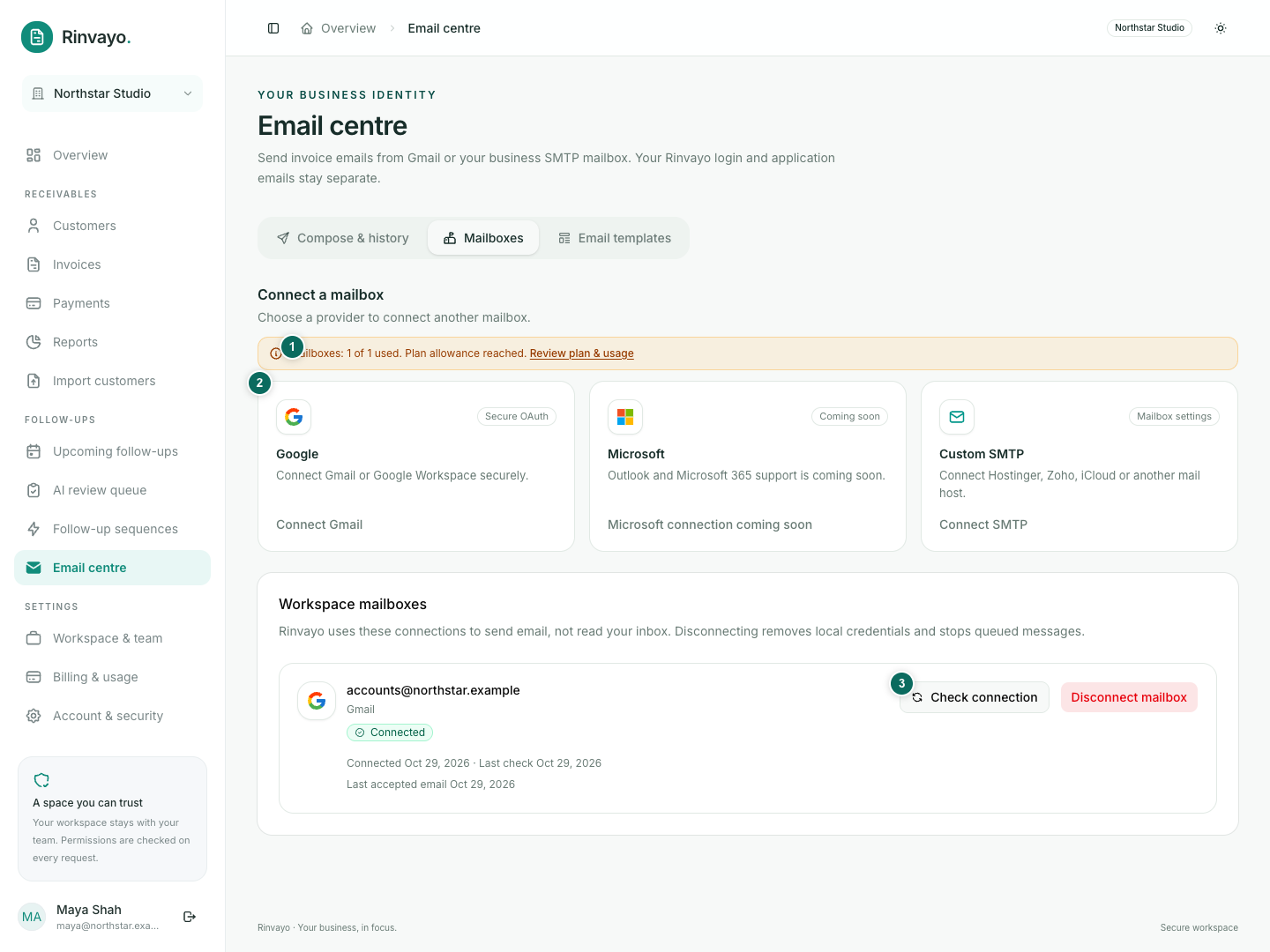
Counters beside relevant actions show workspace usage. Owners get a Review plan & usage link; other members are asked to contact the owner.
| Resource | What counts | What to do |
|---|---|---|
| Invoices | Open/partially paid invoices with a positive balance, including archived ones | Record genuine verified settlement, or ask the owner to upgrade. Archiving does not free this allowance. |
| Team seats | Non-removed memberships and live pending invitations | Remove access or revoke an unused invitation where appropriate. Suspended members still count. |
| Mailboxes | Connections that are not disconnected | Disconnect an unused mailbox, or upgrade. Repairing an existing occupied connection remains available. |
| Sequences | Active and paused invoice sequences | Cancel an unneeded run, or upgrade. Pausing alone does not free capacity. |
| Email attempts | Logical sending attempts in the allowance period | Wait for renewal or upgrade. Acceptance is not proof of delivery; failed or uncertain attempts can count. |
| AI credits | Included and purchased credit balance, with the action's cost | Buy credits, wait for an applicable renewal, or use manual wording. |
CSV confirmation needs capacity for all eligible invoices in the batch. Uploading a document for extraction does not reserve invoice capacity.
Payments, access to existing records, sequence pause/cancel and reviewing existing AI content remain available. Do not change financial records just to get around a limit.
Counters refresh after relevant actions and while the view is active. If the lookup fails, a retry message appears; unknown usage is not treated as zero. Users without billing-read access do not load the financial summary. The service checks current eligibility when work is saved or processed, so a queued request can still encounter a limit later.