Try your first collection workflow
A small example using fictional business data and your own test inbox.
1. Add a customer
Create Cedar & Co Interiors, type Business. Add Anika Rao as the primary billing contact. Use your own test inbox, not a real customer's address.
2. Create an invoice
| Field | Example |
|---|---|
| Invoice number | TEST-CEDAR-001 |
| Description | Website redesign — final milestone |
| Currency | INR |
| Total | 25,000.00 |
| Issue date | 29 October 2026 |
| Due date | 12 November 2026 |
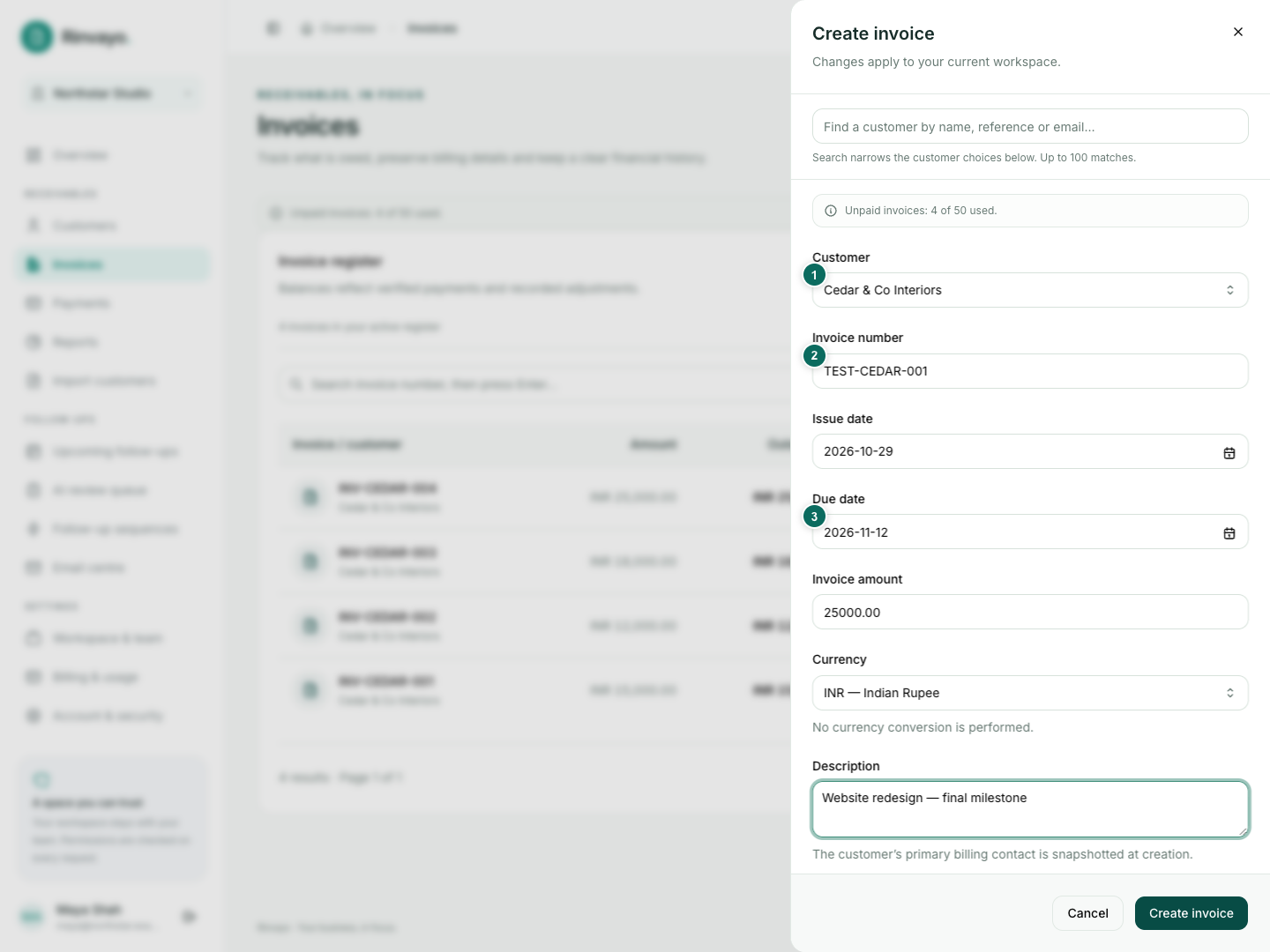
Use dates appropriate to your own test; past sequence steps are skipped at activation. Check the saved recipient and the INR 25,000.00 outstanding balance.
3. Start follow-ups
Connect your test sending mailbox. Create a sequence from a preset and review its steps. Open the invoice's Follow-ups tab, preview the schedule and activate it. Check the next step in Upcoming follow-ups. Try pausing it with a reason.
4. Record a partial payment
Open the invoice and choose Record payment. Enter INR 10,000.00 and check Funds verified only after verifying the funds. Saving then records and allocates it to this invoice. The invoice should become Partially paid, with INR 15,000.00 outstanding.
5. Review an optional AI draft
If workspace AI is enabled, prepare a draft from the invoice. Edit, save and preview it. The complete preview should use the current INR 15,000.00 balance. Approve only if you want to send a real test email.
6. Finish the invoice
Record and allocate the remaining verified INR 15,000.00. The invoice becomes Paid. Future reminders are cancelled after processing; history remains.
You do not need AI or manual email for every invoice. A template sequence and verified payment recording are enough for a basic workflow.